
STRATA Pro is a fine pitch LED panel built to eliminate the tradeoffs integrators have traditionally accepted from professional-grade COB displays: color accuracy that holds at low brightness, off-axis uniformity that stays consistent, and image quality that’s clean under camera. All of it in a platform built for permanent installation.
STRATA Pro
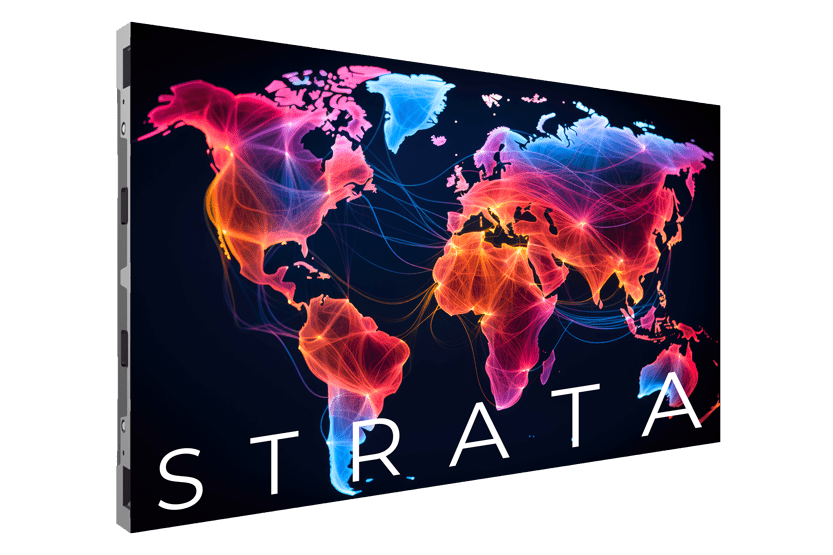
Built for the Room. Built to Last.
STRATA Pro runs on the NovaStar A10s Pro receiving card, delivering precise image processing and consistent color output across extended operating hours. NovaStar is a respected, widely deployed processing platform, and on STRATA Pro, it’s matched to the environments that need it most: corporate spaces, lobbies, auditoriums, and permanent XR/VP stages. STRATA pairs with NovaStar A10s Pro on an open platform architecture, so the processing decision stays with the integrator rather than the manufacturer. No proprietary ecosystem. No forced upgrade path. The Standard/Ultra Black surface finish deepens contrast and controls reflectivity, a real advantage in XR/VP and other high-contrast production environments where ambient light control matters. Available in three pixel pitches from 0.93mm to 1.56mm, front-serviceable, and backed by a 3-year limited warranty, STRATA Pro brings professional-grade COB performance to a platform built for the room it’s installed in.
Color That Holds. Everywhere You Look.
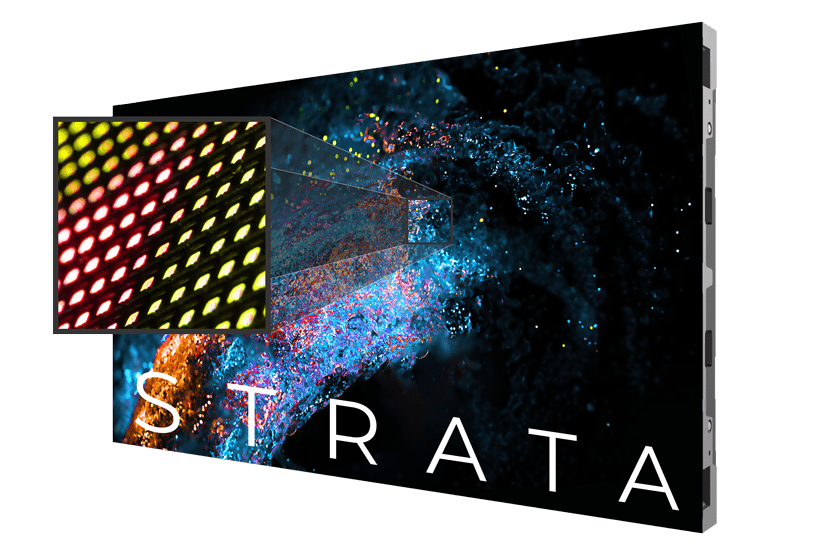
Common cathode flip-chip COB technology drives each LED color channel at its optimal voltage independently, rather than applying a single voltage across all three colors. The result is accurate color reproduction, consistent uniformity at low brightness, and no thermal color shift over time. Each LED is overbuilt, overcoated, and laser-cut to a tolerance under 0.001mm, producing a pixel surface with a 160-degree viewing angle that performs at 170 degrees or better in real-world conditions. 16-bit grayscale and a 7680Hz refresh rate keep content crisp from the front row to the back.
Precision Geometry. Serious Efficiency.
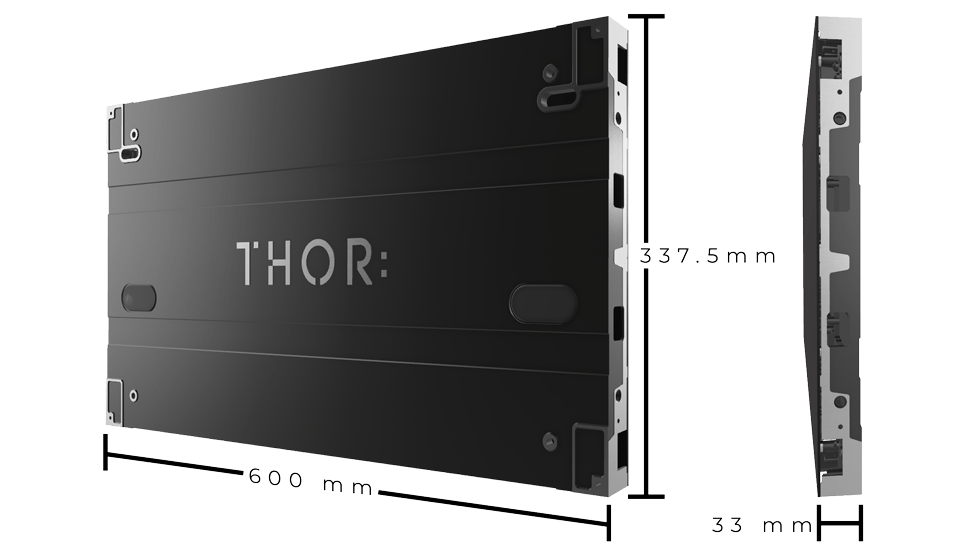
STRATA’s 600mm x 337.5mm cabinet is dimensioned to a native 16:9 aspect ratio, so panel arrays scale to standard resolutions without cropping or custom signal workarounds. Three panels wide by three tall yields 1080p at 0.93mm pitch. Four by four yields 1080p at 1.25mm. Five by five yields 1080p at 1.56mm. Average power draw is 44W per panel against a 130W maximum, which lowers HVAC demand and allows up to 14 panels on a single 20-amp, 120-volt circuit.
Three Pitches. One Purpose: Proximity.
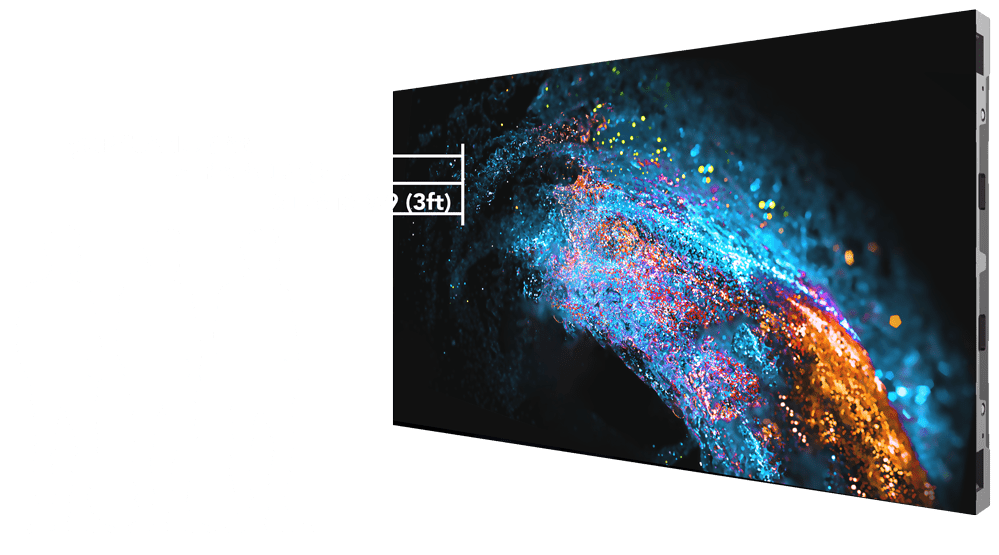
STRATA is available in three pixel pitches: 0.93mm, 1.25mm, and 1.56mm, with minimum viewing distances of 3 feet, 4 feet, and 5 feet respectively. These specifications make STRATA Pro the right panel for permanent environments, corporate auditoriums, lobbies, XR/VP stages, where the audience is close enough to notice the difference.
IDEAL MARKETS
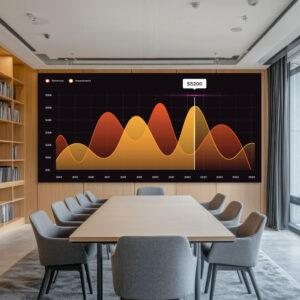
CORPORATE
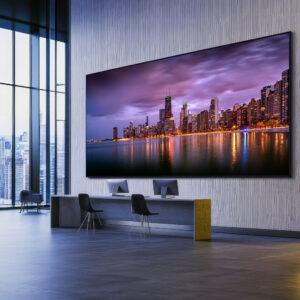
LOBBY
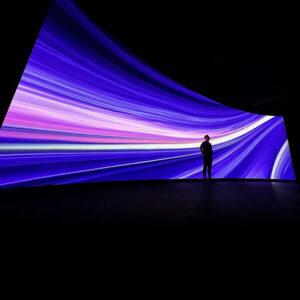
XR/VP
STRATA Pro LED Panel Specifications
| STRATA 0.9 | STRATA 1.2 | STRATA 1.5 | |
| Pixel Pitch | 0.93 mm | 1.25 mm | 1.56 mm |
| Receiving Card | NovaStar A10s Pro | NovaStar A10s Pro | NovaStar A10s Pro |
| Calibrated Brightness | 900 nits | 800 nits | 700 nits |
| Closest Viewer | 3 FT / 1 M | 4 FT / 1.25 M | 5 FT / 1.5 M |
| Scan Rate | 1/46 | 1/45 | 1/46 |
| Pixel Configuration per Panel | 640 x 360 (w x h) 230,400 | 480 x 270 (w x h) 129,600 | 384 x 216 (w x h) 82,944 |
| Viewing Angle | 160º x 160º | ||
| LED Pixel | Common Cathode Flip Chip COB | ||
| LED Driver IC | XM+ | ||
| Gray Scale | 16 bit | ||
| Refresh Rate | 7680 Hz | ||
| Serviceability | Front | ||
| Installation Options | Wall Mount & Fly | ||
| Cabinet Dimensions | 600 mm x 337.5 mm x 33 mm 23.62” x 13.29” x 1.3” | ||
| Operating Temperature | -30º to 60º C | ||
| Operating Humidity | Up to 80% RH | ||
| Power Input | 120 / 240 Volt at 50 / 60 Hz | ||
| Power Consumption (max/avg) | 130 W / 44 W | ||
| BTU per hour (max/avg) | 442.2 / 150.4 | ||
| Electrical Circuits | 20 A / 120 V circuit (14 Cabinets) | ||
| Flown Rigging Height (max) | 6 M / 20’ (18 Cabinets) | ||
| Chassis Material | Die Cast Aluminum | ||
| Weight | 4.1 kg / 9.04 lbs | ||
| IP Rating | IP43 | ||
| Certifications | CE, BSMI, CN155598, FCC, TUV | ||
| LED Life Span | 100,000 hours | ||
| Limited Warranty | 3 years | ||
MORE INFORMATION & DOWNLOADS
STRATA LED WALL PANEL DOWNLOADS
STRATA LED WALL PANEL FAQs
| What type of LED panel is best for my venue? | LED panel selection is based more on the application than the physical venue. The physical venue determines more of the size and where you could install the LED display. View “Why does the distance between pixels matter?” to see more on choosing the right display. |
| Why does the distance between pixels matter? | The closer the pixels are to each other, the close your viewers can be to the display. Other reasons may include the integration of cameras, the visual perceptions of the audience, and other factors. Talk to your AVL integrator to make a more informed selection. |
| What is a module? | Each panel has several modules. A module consists of pixels, a mask to increase contrast and black levels, and the circuitry to connect to the hub board. |
| Low vs. high brightness performance? | When the LED wall brightness control is turned down, the image is to stay in tact. The lower the brightness the less dynamic range you are allowing the panels to perform in. Resulting in the compression of the image. THOR is determined to provide the highest quality displays that excel in low brightness performance. |
| What’s a nit? | Nits are a measurement of light emitted from a source. |
| Why does the IC driver matter so much? | One of the goals of a video display is to provide a fluid and seamless image that removes “distraction” and creates a life-like experience. The IC driver (integrated circuit) has significant influence on this equation for engaging your audience. |
| What is the purpose of the mask on a module? | The mask on the module helps establish black levels throughout, creating more pronounced contrast. It also protects the pixels and decreases the failure rate. |
| Why is structural engineering important when considering an LED wall? | Safety for your audience is paramount and is an essential standard in the construction process. Work with your AVL integrator to set up an appointment with a structural engineer to determine what your structural rigidity and capabilities are for your venue. |
| What processor do I need? | This is directly related to your current gear, video settings and the amount of LED panels in your venue. Connect with your AVL system integrator to discuss further. |
| Why does the IP rating matter? | The IP rating determines the acceptable level of air particles and moisture content that the product is designed to keep out. |
| Why do certifications matter? | UL, FCC, ETL, and EMC certifications are standards that are directly connected to safety, RF interference, and manufacturing standards. |
| What is the warranty? | Most THOR LED panels have a limited three year warranty. |
| What type of electrical circuits are needed and how many? | 20 amp (110-240v) circuits are required in order to power the panels. However, each product line is unique. |
STRATA LED WALL PANEL DOWNLOADS
| What if a block of my panels aren’t working right? | Try replacing a data cable. Usually between the last panel that is working and the first panel that has stopped working. |
| How do I flash the receiving card and why? | Please contact your dealer for more information and instructional guides. |
| Is there a reason why power cables connect one way only? | Yes. Power is not bi-directional. |
| Is the STRATA PSU “hot swappable”? | No. |
| My display has moiré issues. | Wavy lines! Moiré is an image artifact that appears when two fine patterns overlap at an angle. One of the easiest ways to reduce the moiré effect is to soften its direct focus by focusing on something else, like an individual. Slightly soften the focus on the screen itself to reduce the on-camera moiré effect with LED screens. Focus points matter when using cameras. Focusing on the LED wall creates moiré no matter what your camera resolution is set to. Another way is to use shallow depth of field if your subject is in front of the LED screen; the subject will be in focus and the background LED screen will be softly blurred. Image sensors found in digital cameras have their pixels arranged in a very fine pattern; when videoing an LED display, the camera’s fine patterns will not line up with the fine pattern of the LED’s. |
| Why do I have to reconfigure the LED wall every time I restart the system? | When changing settings in NovaStar’s NovaLCT, all software settings need to be “Saved to Hardware”. If this has not happened, the wall will return to the state of the last saved setting. This applies to every setting in the software, including: brightness, color temperature, wire flow, and calibration settings. |
| How do I remove a module if there are faulty pixels? | Each module on an LED panel has magnets to keep them in the proper position. Use a module removal tool. Each LED panel series varies. |